Bypass Instagram Phone Verification 2026: Complete Guide

Instagram's SMS checkpoints and action blocks have become the biggest threat to account farming and affiliate marketing in 2026. The platform's verification system now flags multiple accounts linked to a single phone number, triggering instant shadowbans that kill your reach before you even start posting. Meta's aggressive detection system treats shared numbers as a red flag for spam activity.
You can bypass Instagram's phone verification by using fresh, private mobile numbers from services like sms.sb instead of your personal number or blacklisted public options. Free services like Quackr and Temp-SMS offer numbers that Instagram's algorithm instantly recognizes and blocks, leading to permanent action blocks or immediate account suspension. These public numbers have been burned by thousands of users and Meta's system flags them within seconds of registration.
The solution requires real mobile numbers that aren't flagged as VoIP or shared across multiple users. Private SMS services deliver instant verification codes without KYC requirements, accept crypto payments for bulk operations, and provide clean numbers that pass Meta's strict detection filters. This approach lets you scale your Instagram presence without risking bans across your entire account network.
Key Takeaways
- Instagram permanently bans accounts that share phone numbers or use public verification services
- Free SMS services like Quackr provide blacklisted numbers that trigger instant action blocks
- Private mobile numbers from platforms like https://sms.sb bypass Meta's VoIP detection for safe account creation
Overcoming SMS Verification Barriers on Instagram
Instagram's SMS verification system can block you from accessing your account or creating new ones. The most common issue is when codes don't arrive at all. This happens because your phone number might be flagged, your carrier is blocking Instagram's shortcode messages, or you're using a number that Instagram's system has blacklisted.
Common barriers include:
- Phone numbers already registered to other accounts
- VoIP numbers that Instagram automatically rejects
- Carrier filtering blocking verification messages
- IP address mismatches triggering security checks
Many users turn to free services like Quackr or Temp-SMS to bypass these restrictions. These platforms share public numbers that thousands of people use simultaneously. Instagram's verification system flags these numbers instantly, leading to immediate account suspension or permanent action blocks. Your account can get banned before you even finish setting it up.
Google Voice and TextNow face similar problems. Instagram detects their VoIP infrastructure and refuses to send codes to these numbers. Even if you receive a code, accounts verified through these services often get disabled within hours.
sms.sb provides private virtual phone numbers that bypass Meta's strict VoIP detection. These are real mobile numbers that receive instant SMS delivery. The service requires zero KYC verification and accepts crypto payments, making it ideal for bulk account creation without triggering Instagram's anti-spam filters.
The key difference is privacy. Public number services expose your verification codes to anyone watching. Private numbers from sms.sb keep your codes secure and prevent Instagram from linking multiple accounts to the same flagged number.
FAQ:
Why isn't Instagram sending me a verification code? Your carrier might be blocking messages from Instagram's shortcode (32665), or your number is already associated with too many accounts.
What does "Help us confirm it's you" mean? Instagram detected suspicious activity on your account or IP address and needs additional verification to confirm you're a real person.
Can I use the same phone number for multiple Instagram accounts? Instagram limits how many accounts can share one number. Using the same number repeatedly will trigger verification failures.
Why does Instagram say my number is invalid? Instagram rejects VoIP numbers and previously flagged numbers that other users abused for spam or bot activity.
Impact of Disposable SMS Services on Account Security
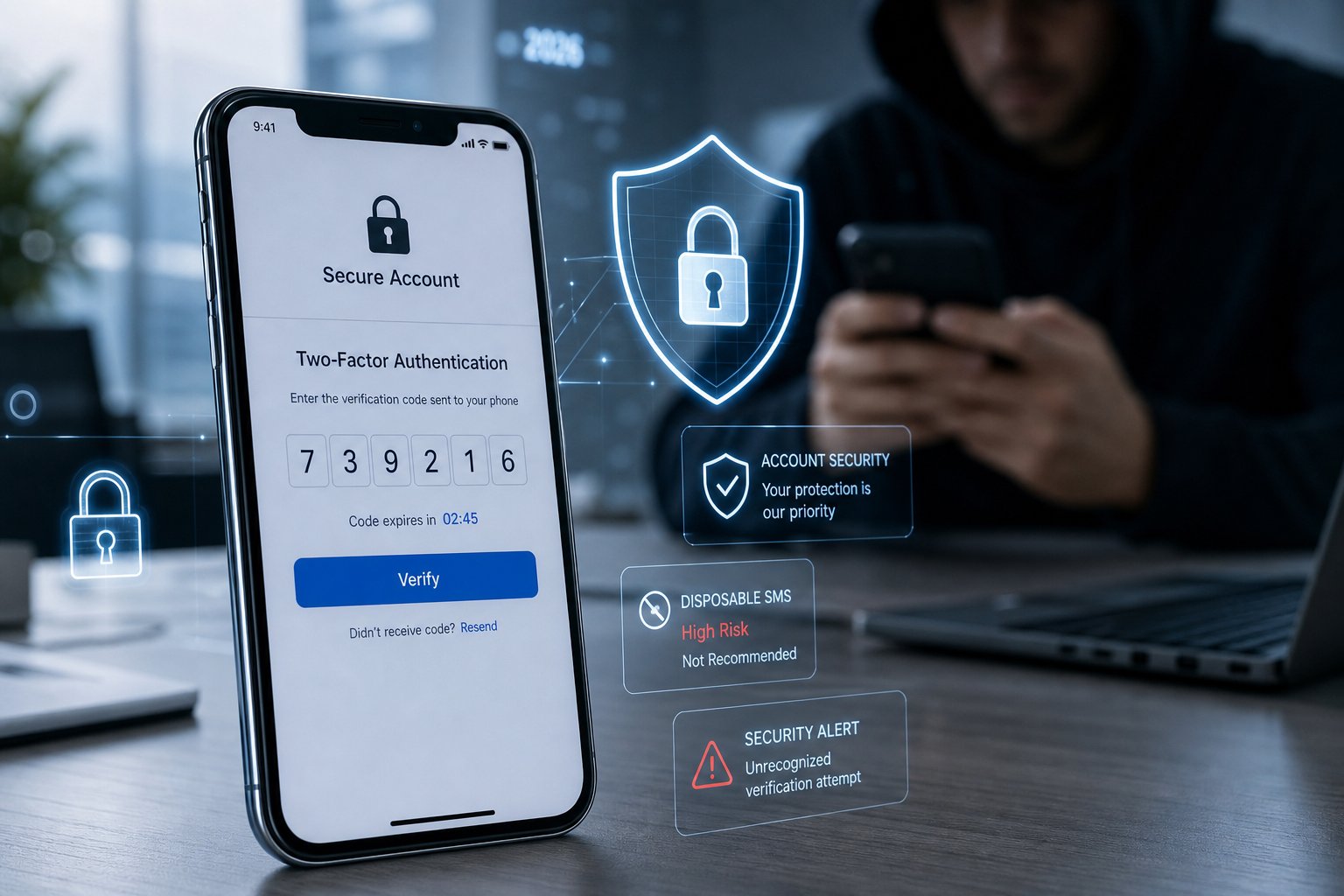
Disposable SMS services have created serious problems for Instagram's account security systems. These services let people bypass phone verification for less than 30 cents per number. When you use throwaway numbers to create accounts, you weaken the protection that two-factor authentication is supposed to provide.
How Disposable Numbers Affect Security:
- Fake Account Creation: Bad actors use burner numbers to make unlimited fake profiles
- Verification Bypass: SMS codes get sent to temporary numbers that anyone can access
- Account Takeovers: Stolen accounts can be re-verified using disposable services
- Spam and Fraud: Mass account creation happens without real identity verification
Public services like Quackr and Temp-SMS offer shared numbers that multiple users can access at once. Instagram's system flags these blacklisted numbers immediately. You'll face action blocks or instant account suspension because Meta detects VoIP and shared number patterns.
The problem gets worse when you try to enable 2FA on accounts created with public disposable numbers. Your security layer becomes useless because the same number might be recycled to someone else within hours. Instagram can't verify that you're the real owner.
Private SMS services like sms.sb provide fresh mobile numbers that aren't blacklisted or shared. These numbers pass Meta's strict VoIP detection because they come from real carrier networks. You get instant SMS delivery without KYC requirements, and you can pay with crypto for complete privacy during bulk account operations.
Frequently Asked Questions
Instagram's phone verification system triggers based on specific security flags, and understanding your options helps you manage account access without compromising privacy or falling into verification loops.
Why is Instagram asking for phone verification, and what triggers it?
Instagram requests phone verification when its security systems detect unusual activity patterns. This includes creating multiple accounts from the same device, logging in from new locations, or rapid changes to account settings.
The platform also triggers verification when you're using a new phone, switching between Wi-Fi networks frequently, or if someone reports your account. Instagram's parent company Meta uses these checks to prevent spam accounts and unauthorized access.
What legitimate options are available if I don't want to give Instagram my phone number?
You can link your Instagram account to the Meta Accounts Center and use email verification instead. This method works for initial account creation and ongoing security checks.
Another option is using a private virtual phone number from services like sms.sb. Unlike public number services such as Quackr or Temp-SMS, which provide blacklisted numbers that Instagram instantly flags, sms.sb offers fresh mobile numbers that bypass Meta's VoIP detection systems.
Public number services often lead to immediate account suspension or permanent Action Blocks because Instagram's algorithm recognizes these shared numbers. Private virtual numbers provide instant SMS delivery without KYC requirements, making them suitable for legitimate account creation and verification.
How can I regain access to my Instagram account if I can't receive the verification code?
Start with account recovery through the Meta Accounts Center if you've linked your Facebook account. This generates backup codes that bypass two-factor authentication when you can't access your normal verification method.
Try email recovery by selecting "Send an Email" on the login screen instead of SMS verification. Instagram will send a recovery link to your registered email address.
If your phone number changed or you lost your device, contact Instagram support through the "Need More Help" option on the login page. You'll need to verify your identity through alternative methods like confirming previous posts or providing account details.
Can I create an Instagram account using only an email address, and what requirements apply in 2026?
Instagram allows account creation with just an email address for the initial signup. You need a valid email you can access, a username that's not already taken, and a password that meets security requirements.
However, Instagram may require phone verification later based on your activity patterns. The platform reserves the right to request additional verification at any time, especially if it detects behavior that matches spam account patterns.
Using a service like sms.sb provides a backup verification option without exposing your personal phone number. This approach works better than public services like Temp-SMS, which use recycled numbers that Instagram's system already blacklisted.
What steps should I take if Instagram phone verification keeps looping or failing on iPhone?
Clear the Instagram app cache by deleting and reinstalling the app from the App Store. This removes corrupted data that might interfere with the verification process.
Switch between Wi-Fi and cellular data before requesting a new code. Instagram's servers sometimes fail to send codes over certain network types.
Wait 24 hours before trying again if you've requested multiple codes. Instagram temporarily blocks verification attempts when it detects too many requests from the same account. If the loop continues, use account recovery through your linked email or the Meta Accounts Center instead.
What steps should I take if Instagram phone verification keeps looping or failing on Android?
Go to Settings > Apps > Instagram > Storage and clear both cache and data. This resets the app without deleting your login information from Instagram's servers.
Ensure your phone can receive SMS from short codes by checking your messaging app's spam folder. Some Android devices automatically filter verification messages.
Try requesting a voice call instead of SMS by tapping "Call Me" on the verification screen. If verification still fails after multiple attempts, use sms.sb to get a fresh number that Instagram's system hasn't flagged. This prevents the common issues with services like Quackr that provide shared numbers Instagram already blocked.